
32. Usage Reports
This section shows bandwidth usage statistics and is located at Status > Usage Reports.
Bandwidth usage at the LAN while the device is switched off (e.g., LAN bypass) is neither recorded nor shown.
32.1. Real-Time
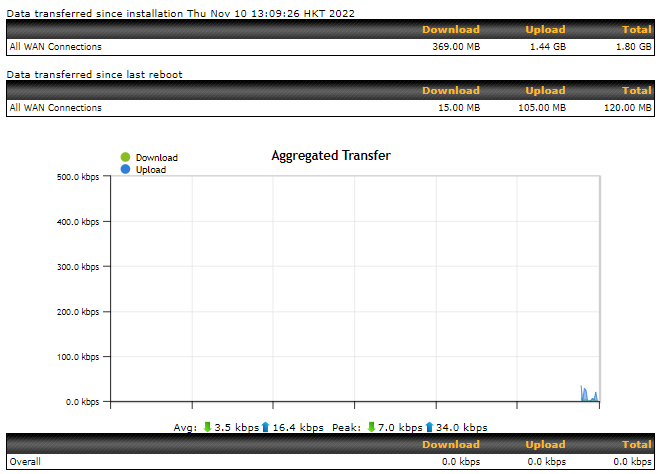
The Data transferred since installation table indicates how much network traffic has been processed by the device since the first bootup. The Data transferred since last reboot table indicates how much network traffic has been processed by the device since the last bootup.
32.2. Hourly
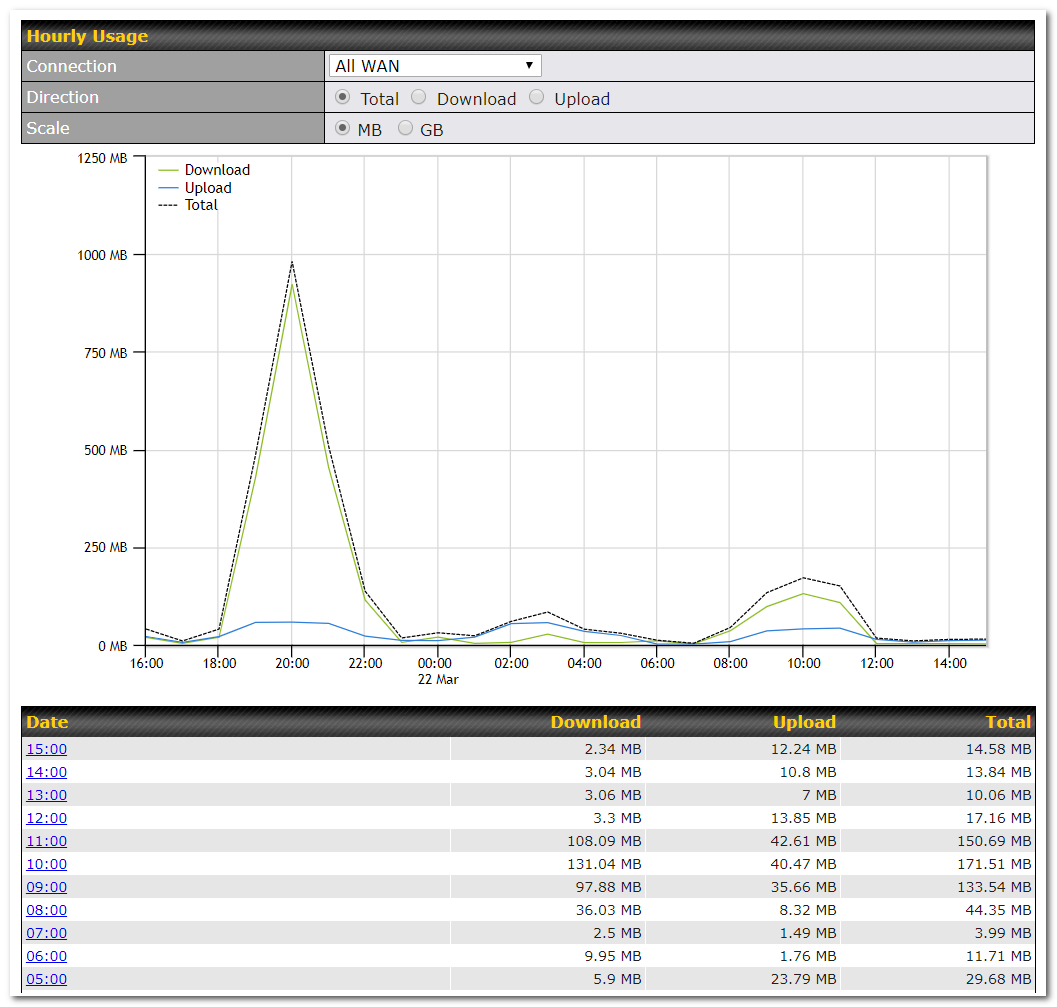
This page shows the hourly bandwidth usage for all WAN connections, with the option of viewing each individual connection. Select the desired connection to check from the drop-down menu.
32.3. Daily
This page shows the daily bandwidth usage for all WAN connections, with the option of viewing each individual connection.
Select the connection to check from the drop-down menu. If you have enabled the Bandwidth Monitoring feature, the Current Billing Cycle table for that WAN connection will be displayed.
Click on a date to view the client bandwidth usage of that specific date. This feature is not available if you have selected to view the bandwidth usage of only a particular WAN connection. The scale of the graph can be set to display megabytes (MB) or gigabytes (GB).
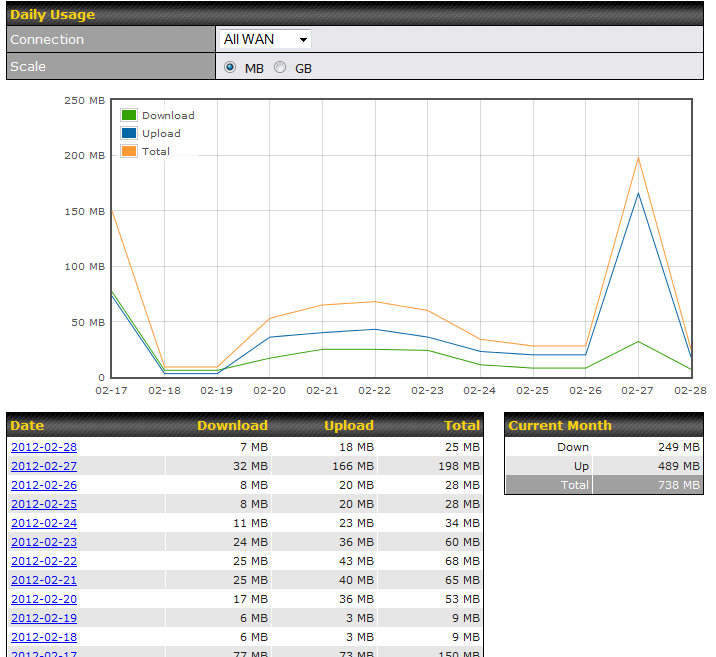
All WAN Daily Bandwidth Usage
32.4. Monthly
This page shows the monthly bandwidth usage for each WAN connection. If you have enabled the Bandwidth Monitoring feature, you can check the usage of each particular connection and view the information by Billing Cycle or by Calendar Month.
Click the first two rows to view the client bandwidth usage in the last two months. This feature is not available if you have chosen to view the bandwidth of an individual WAN connection. The scale of the graph can be set to display megabytes (MB) or gigabytes (GB).
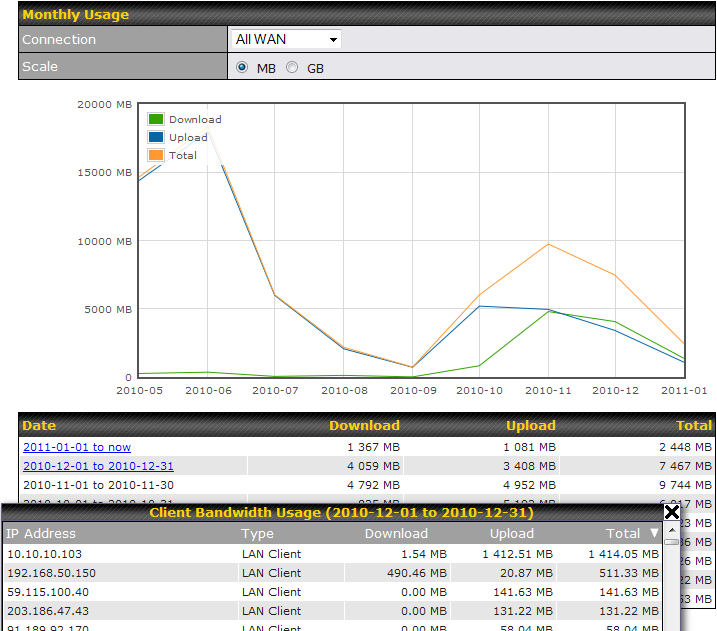
All WAN Monthly Bandwidth Usage
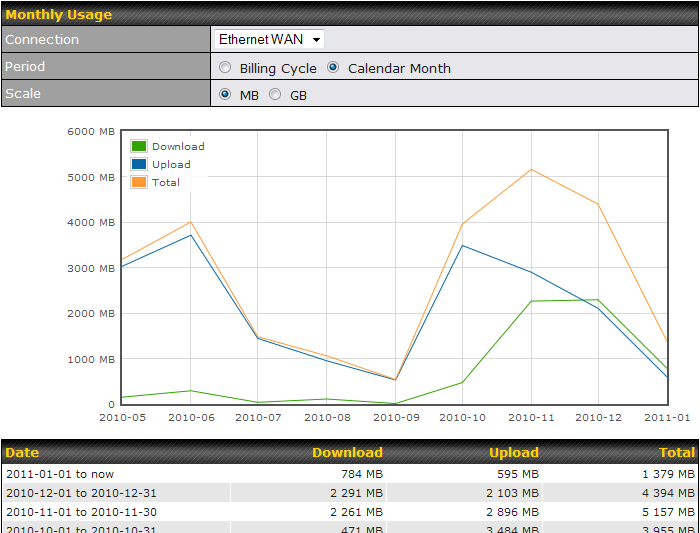
Ethernet WAN Monthly Bandwidth Usage
Tip |
By default, the scale of data size is in MB. 1GB equals 1024MB. |