
18. Docker
* A perpetual software license or active PrimeCare is required to enable this feature on the B One Series.
For non-MFA/Edge Computing devices, you can plug in a USB as storage for installing or running Docker Containers on your device. After plugging in the device, under “System → Tools → External Storage” you will be able to see the USB details you plug in.

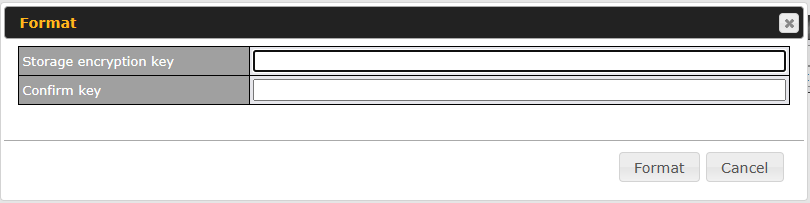
You might need to format your USB to the supported format to be able to be used by the device. To format your USB, click the “Format” button and type in the encryption key as follows. The encryption key is used every time for the USB to mount in the device.
After a while, the status will change to “In use” as below.
