
6. Dashboard
The Dashboard section contains a number of displays to keep you up-to-date on your access point’s status and operation. Remote assistance can also be turned off here, if it has been enabled.
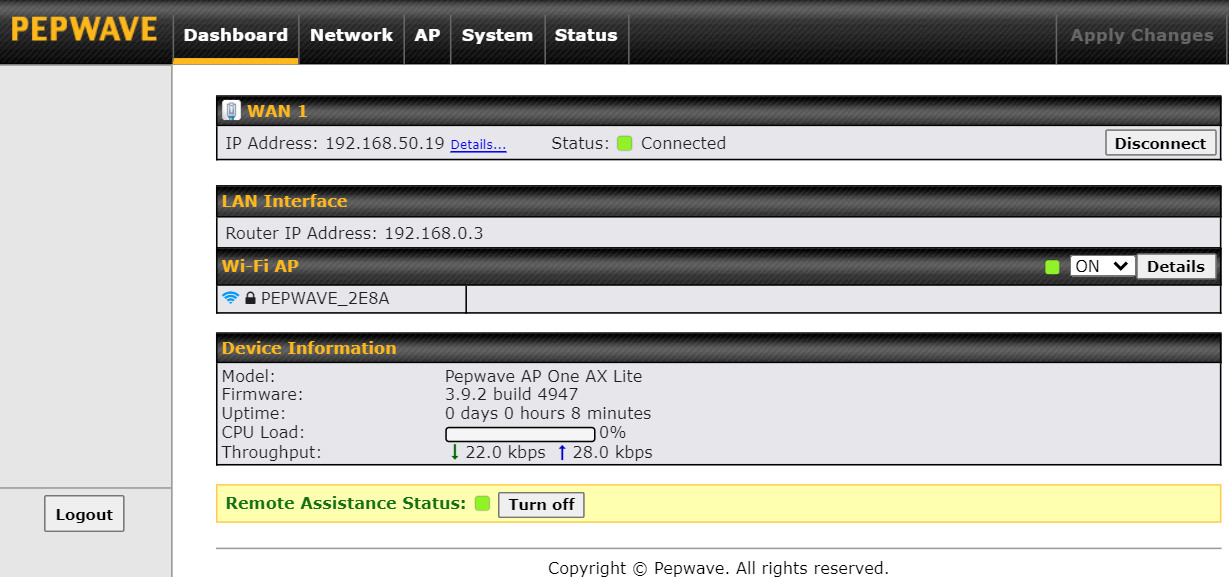

This section contains WAN status and general device information.
WAN | |
IP Address | When your access point is connected to a WAN, this field displays the WAN IP address. For more information, click the Details link which shows connection type details. |
Status | This field displays the current WAN connection status. |

Device Information | |
Model | This field displays your access point’s model number. |
Firmware | The firmware version currently running on your access point appears here. |
Uptime | This field displays your access point’s uptime since the last reboot or shutdown. |
CPU Load | This field shows current loading (0%-100%) on your access point. |
Throughput | This field displays your access point’s transfer rate in kbps. |